¶ Add to Home Screen
Open Google Chrome on your phone.
Navigate to portal.plexusgrid.com

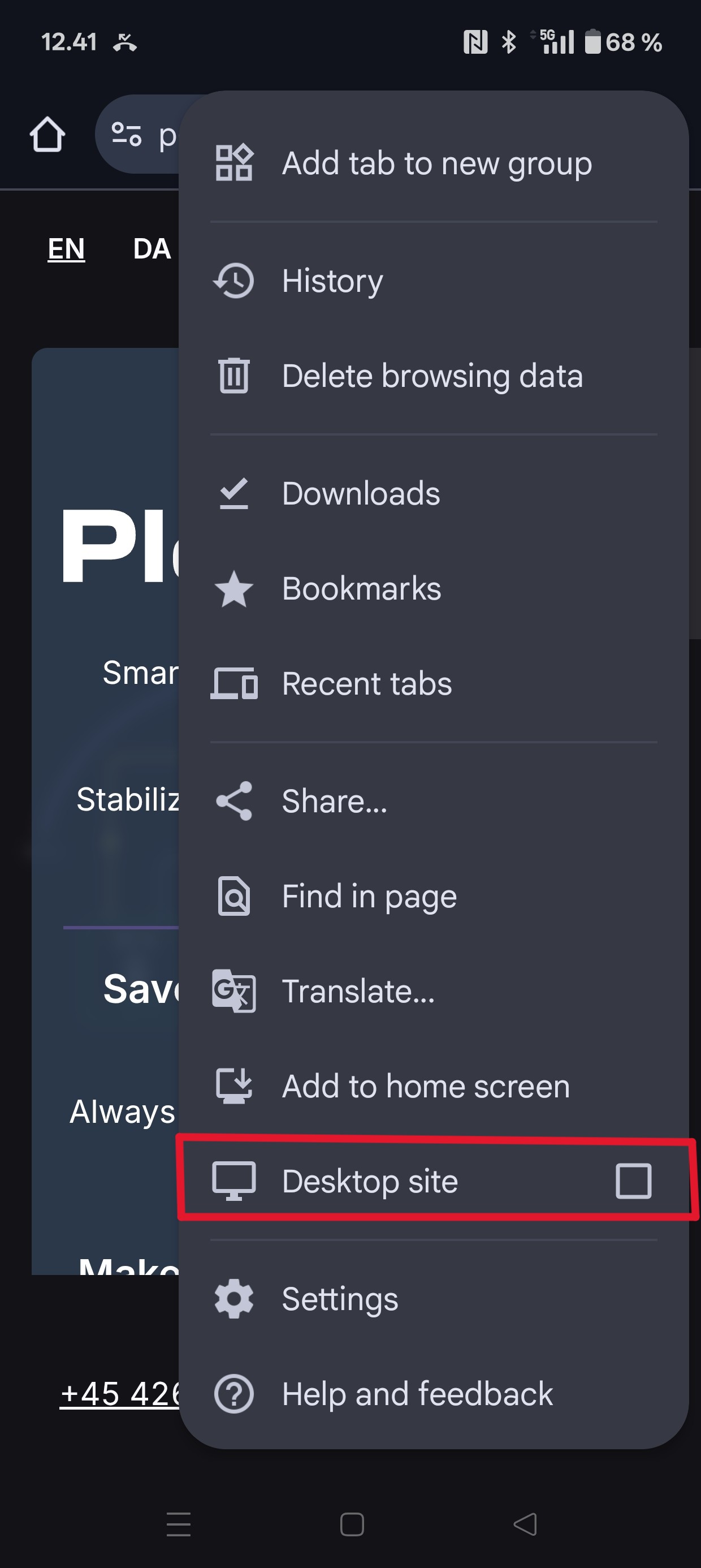
Tap the three dots in the top‑right corner.
Choose “Add to home screen.”
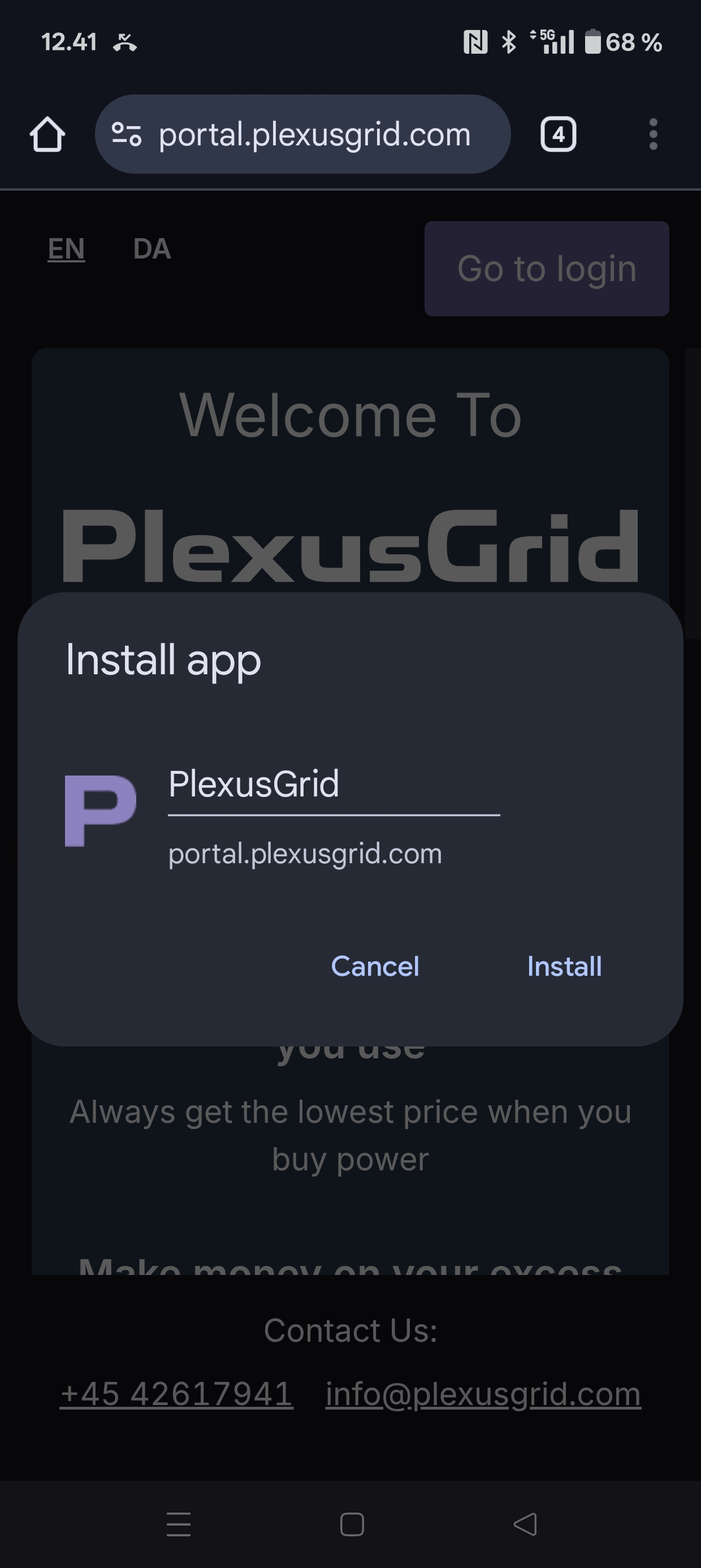
Tap “Install.”
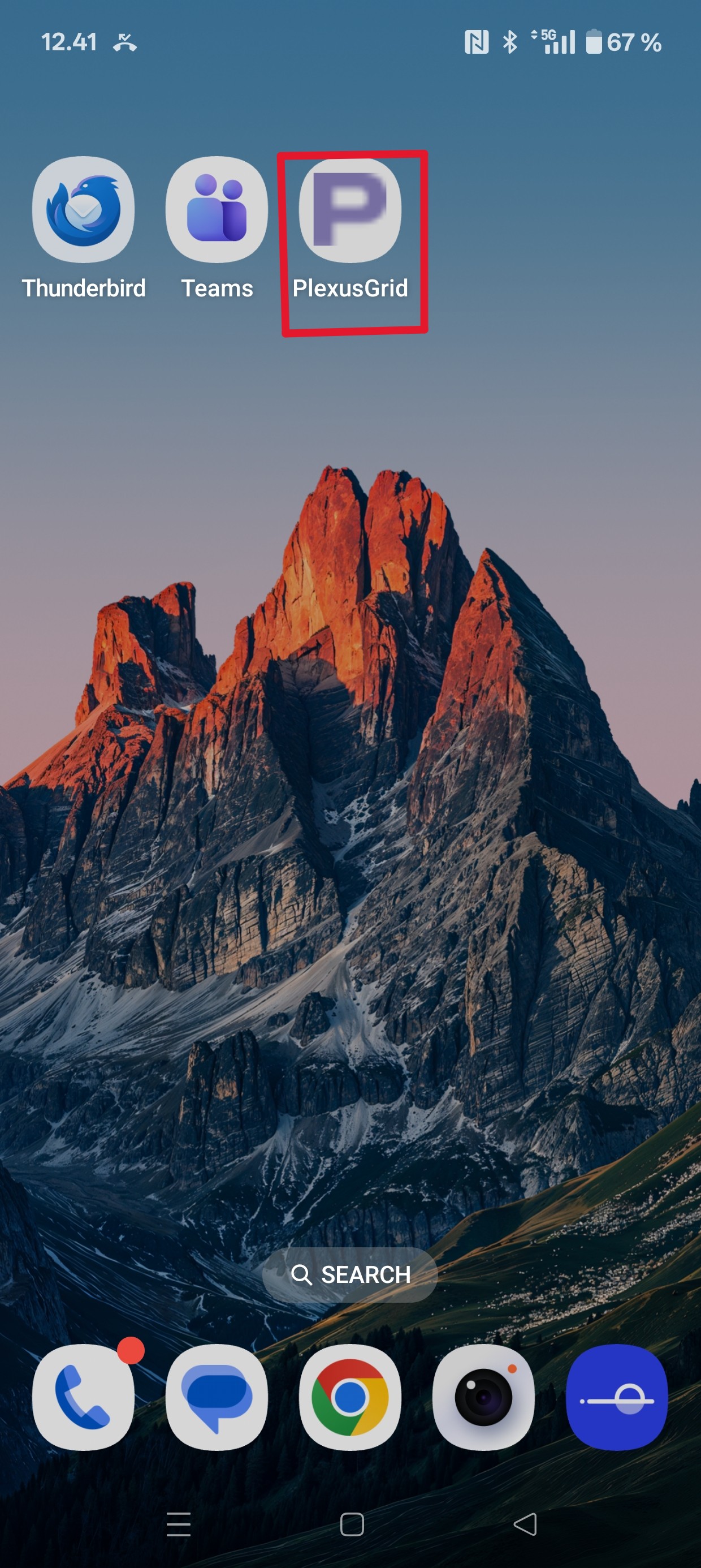
You can now access your PlexusGrid Portal via the icon, just like your other apps.