Follow these steps to update the firmware on your AEG inverter:
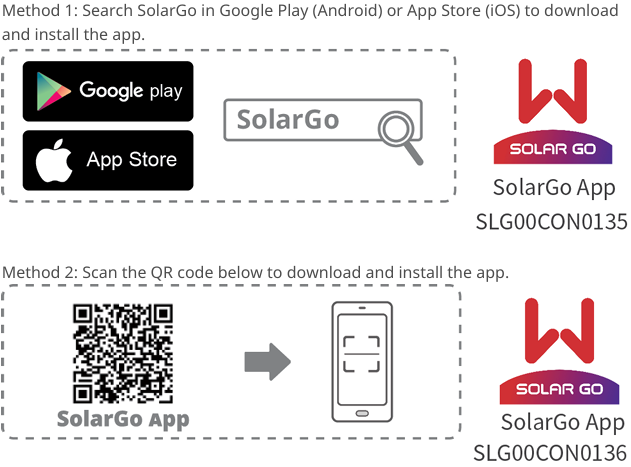
- Install the “SolarGo” app.
- Install the Bluetooth adapter in your inverter.
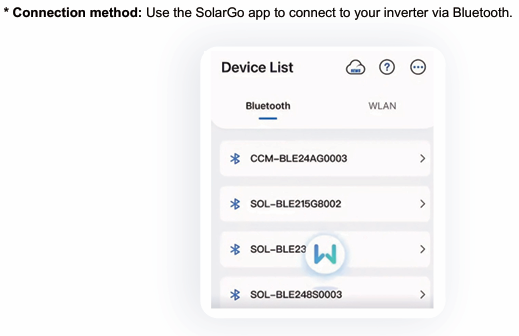
- Connect your phone to the inverter via Bluetooth.
- In the app, go to Settings and tap Firmware Information.
- Tap Check For Update.
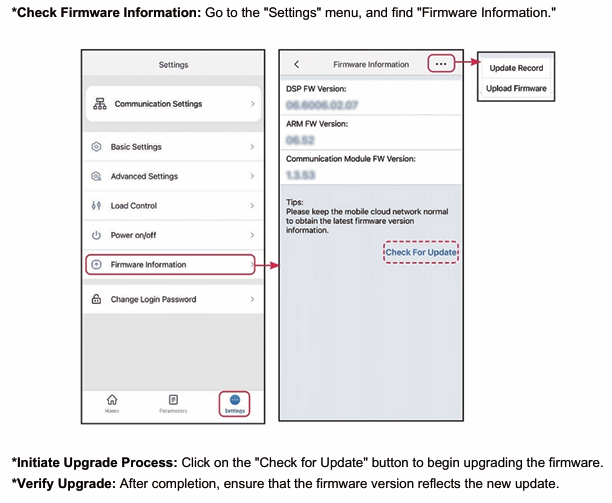
- If a new version of the firmware is available, the app will prompt you to install it.