If you need assistance or troubleshooting, you can enable support access to your dataspace. This allows one of our support specialists to easily access your dataspace and ensure that everything is configured correctly.
To activate support access, start by clicking the gear icon in the top right corner.

After this, you can click the button Grant Support Access in the bottom right corner of the box with the dataspace details.

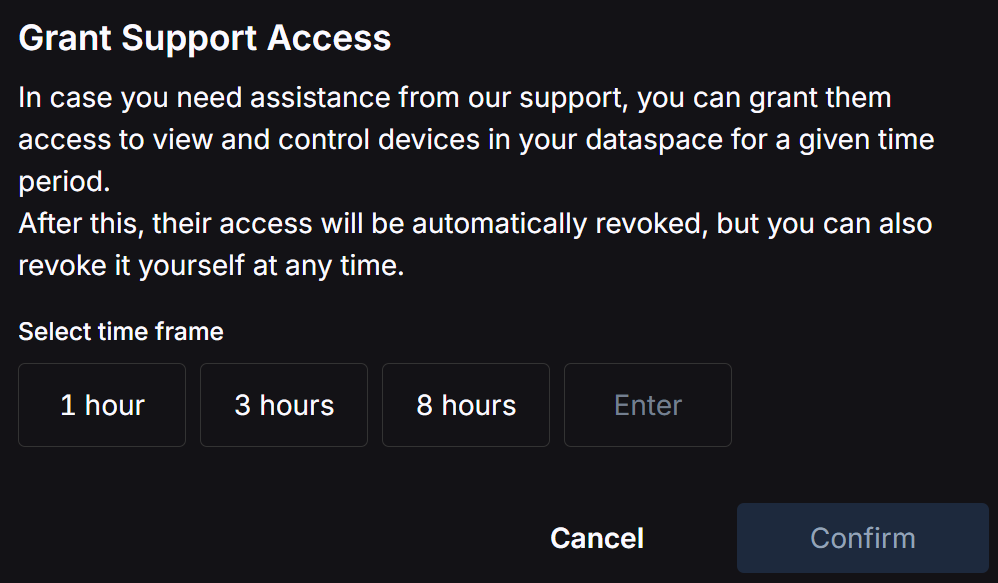
When you click the button, a pop‑up will appear. It briefly explains support access, and you must now specify a time frame during which support will have access.
You can revoke the access at any time.