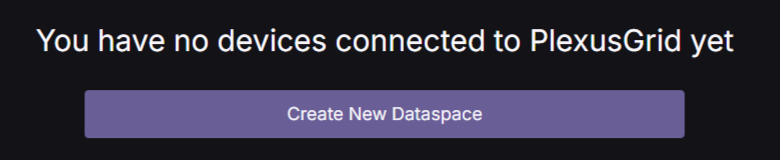
When logging in as a new user, you will be met with this screen prompting you to create a new dataspace
Your dataspace will be connected to your Edge Device, which will allow you to view your power data and control your inverter through the Web Portal.
Click the Create New Dataspace button.
¶ Name your dataspace
You will now have to choose a name for your dataspace, this could be the street name and number for the location of the Edge Device. You can change this later if you want to.
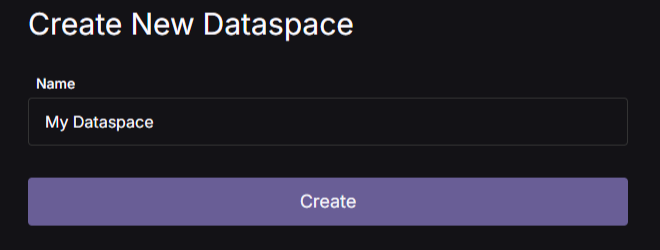
After choosing a name, click Create, and you will be taken to the confirmation page, if creation was successful.
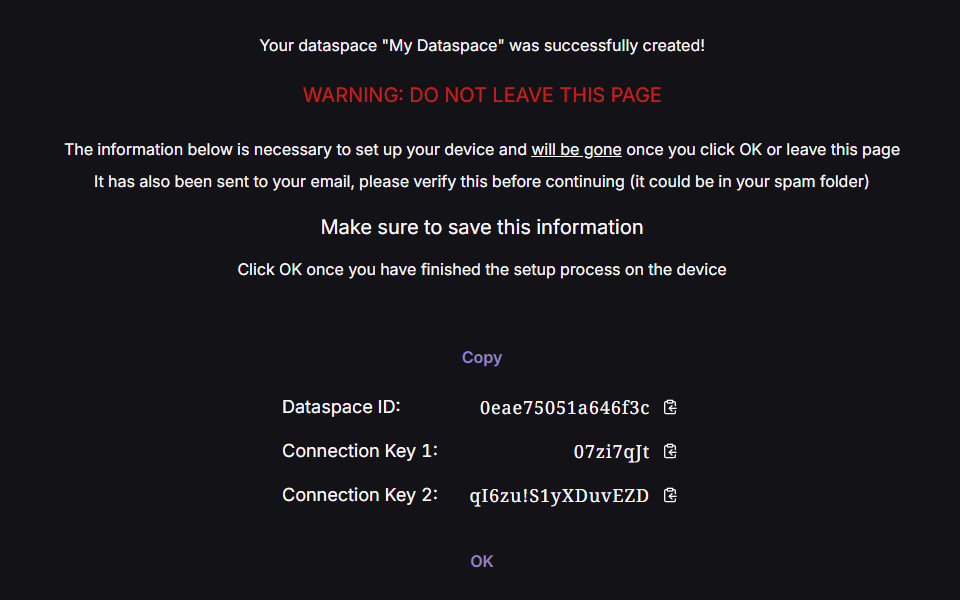
IMPORTANT: You will need the Dataspace ID and Connection Keys listed on this page to connect your dataspace to your Edge Device.
If this information is lost, it cannot be recovered!
Check that you have received the credentials on e-mail, take a screenshot or save it elsewhere.
Now you have completed the creation of your dataspace.