On the Web Portal's "Energy History" page you get a detailed overview of the energy "flow" in your setup, as well as your consumption and production on a selected date or within a given time period.
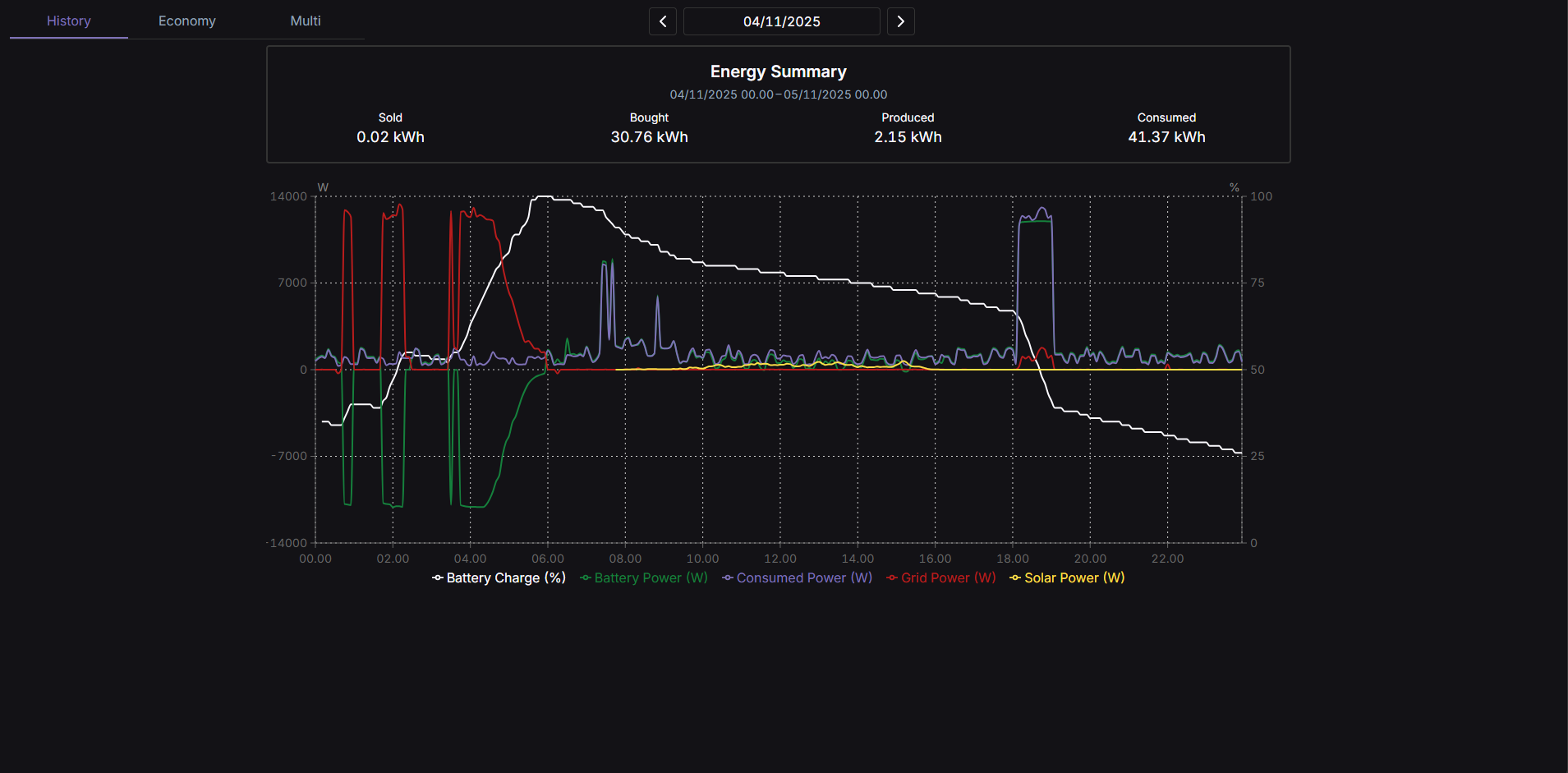
¶ Energy Summary

Here, you get a summary of the energy in the given period, divided into sold, bought, produced and consumed.
-
Sold: The number of kilowatt-hours sold.
-
Bought: The number of kilowatt-hours bought.
-
Produced: The number of kilowatt-hours produced.
-
Consumed: The number of kilowatt-hours consumed.
¶ Chart
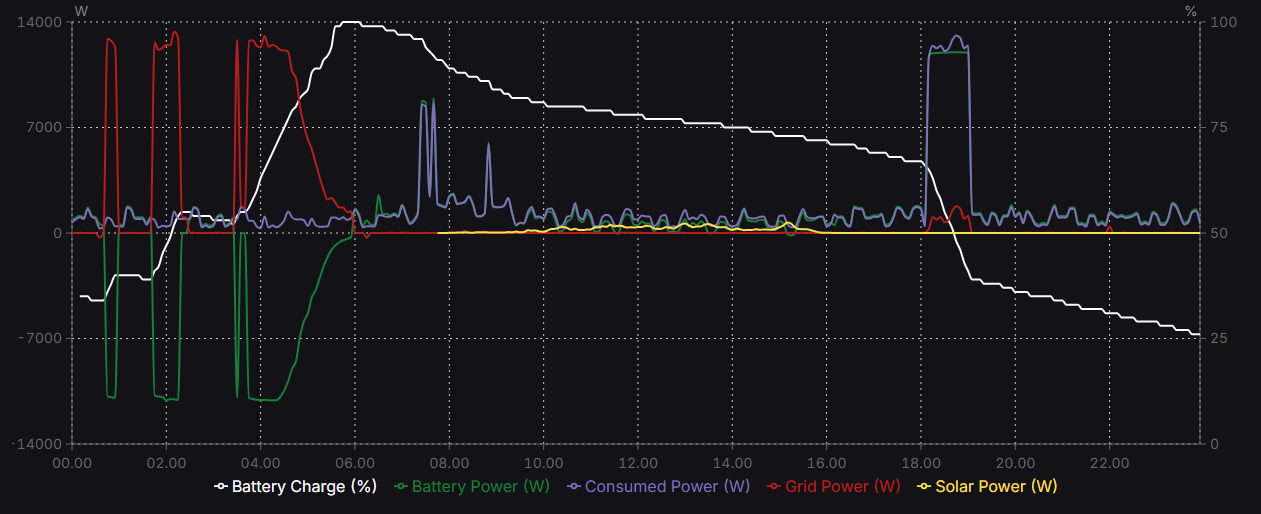
Here, you can view and explore your data for the given time period in more detail.
-
Battery Charge (%): Shows how much power the battery is storing at a given time.
-
Battery Power (W): Shows the battery's capacity in watts.
-
Consumed Power (W): Shows the total energy consumption in watts.
-
Grid Power (W): Shows how much energy the grid is providing in watts.
-
Solar Power (W): Shows how much energy the solar cells are producing in watts.