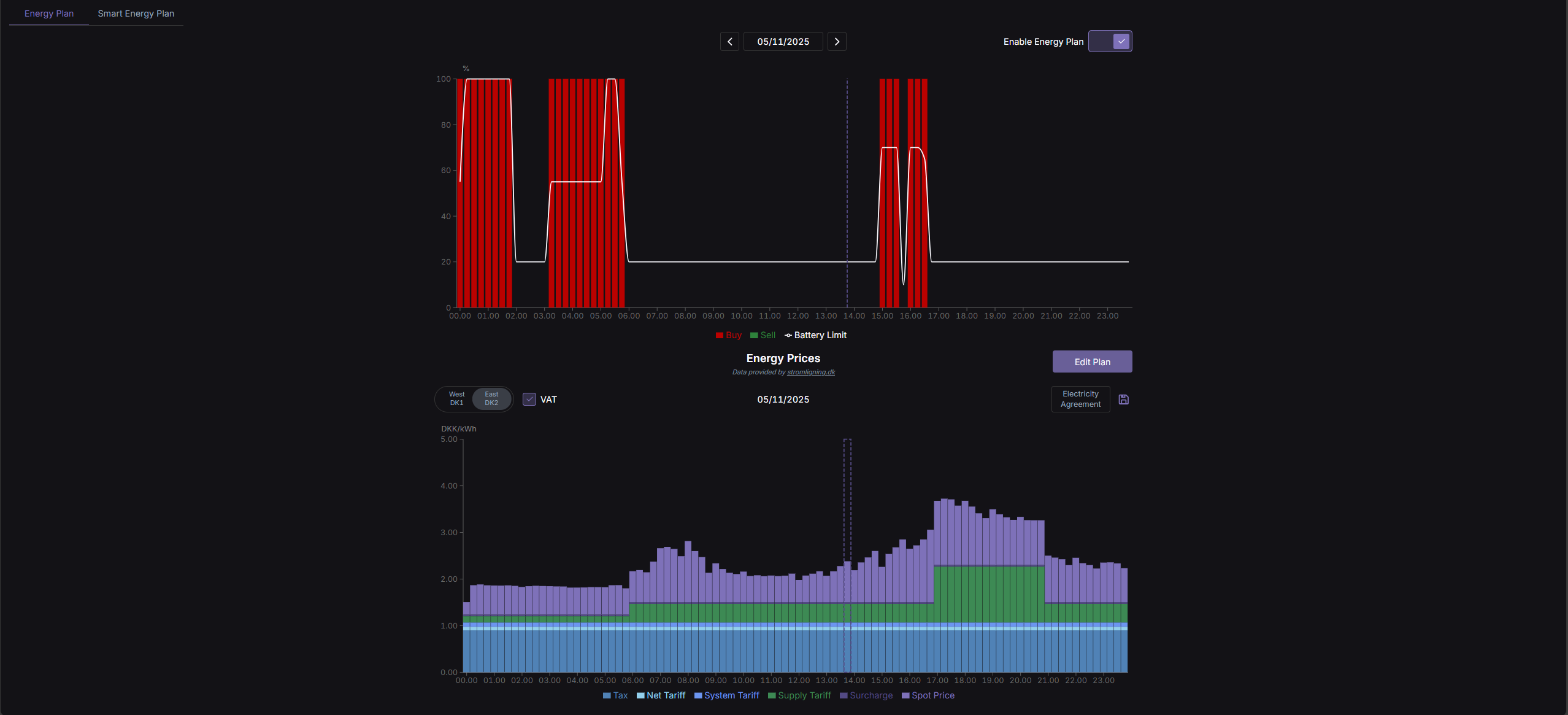
On the Web Portal's "Energy Plan" page, you can see your energy plan compared to the energy prices of the day.
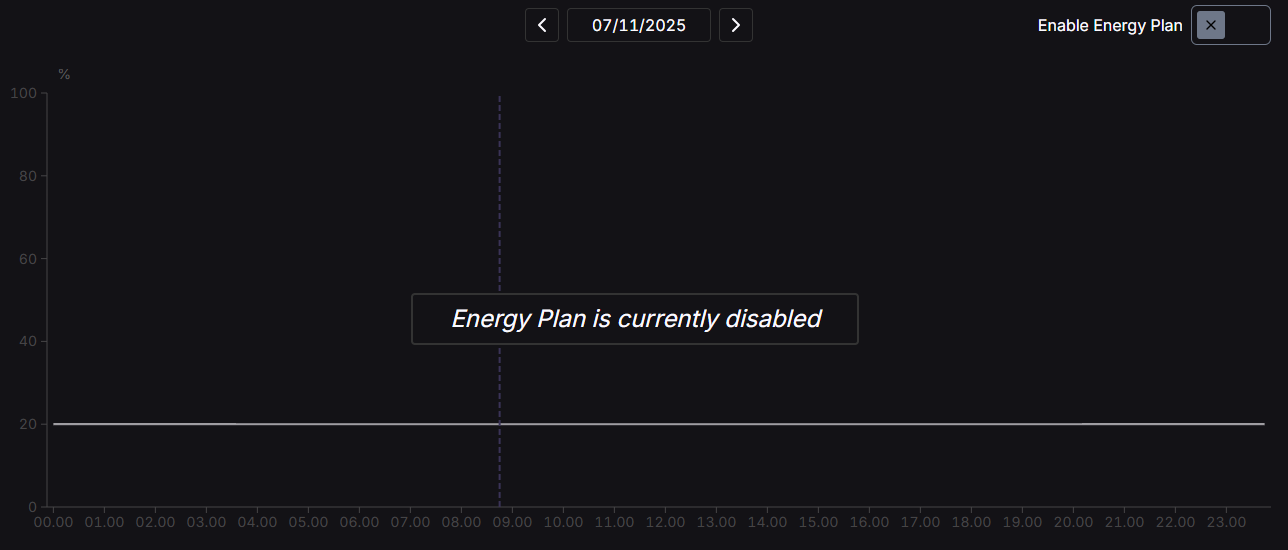
¶ Energy Plan not enabled
This is how the "Energy Plan" will look the first time the page is visited, since the Energy Plan is not activated by default.
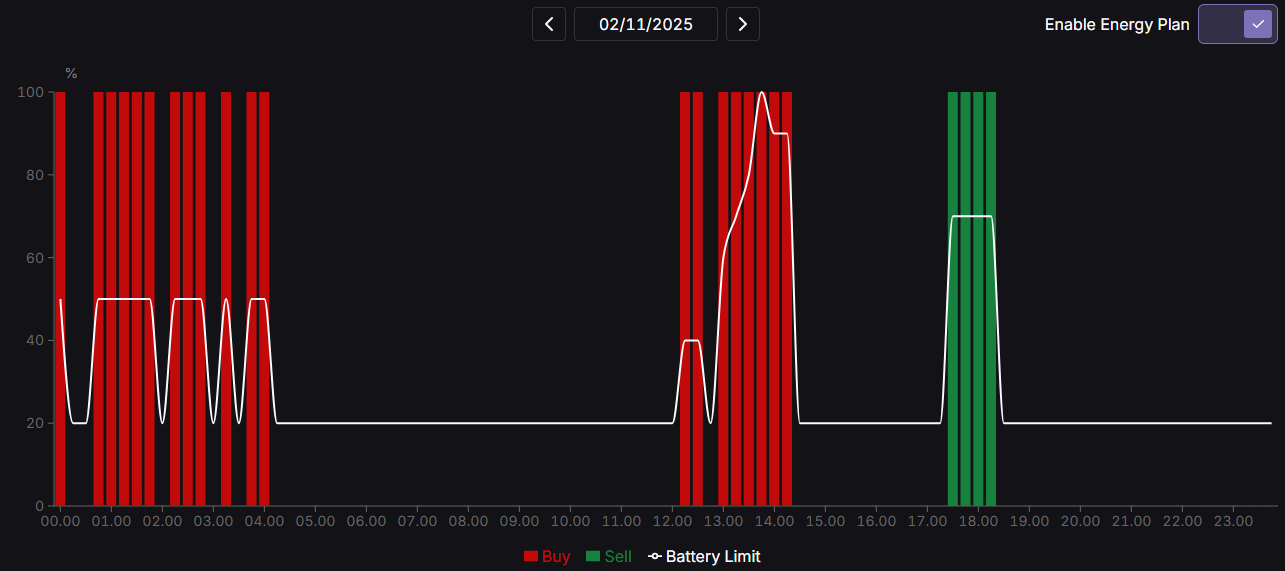
After creating a plan, you can enable it via the switch in the top right corner.
¶ Energy Plan enabled
Here is an example of an Energy Plan that has been activated.
¶ Energy Prices chart
Here you get a visualization of the energy price, broken down into tariffs, taxes, etc.
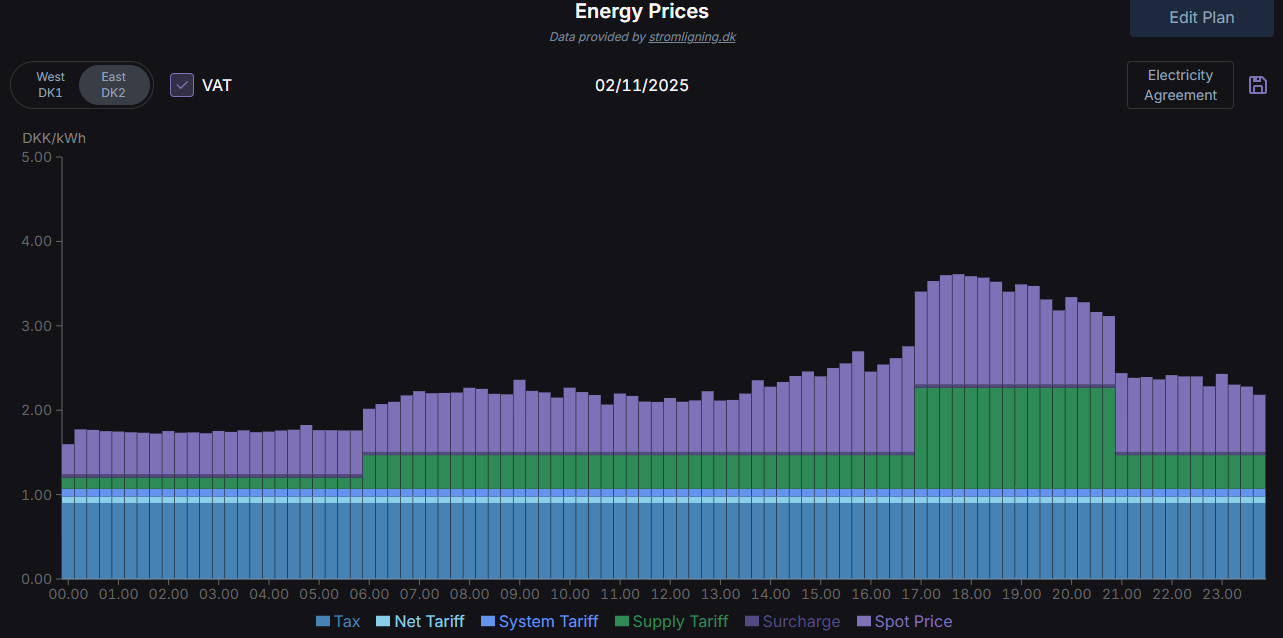
Data is provided by Strømligning
-
Tax: A government tax on your electricity consumption, which goes to the state.
-
Net Tariff : Payment for using the electricity grid – essentially the transport of power to your home.
-
System Tariff : Covers the costs of keeping the electricity system stable and balanced.
-
Supply Tariff : Payment to your local grid company for operation and maintenance of the network.
-
Surcharge : Extra fees or charges, e.g. for green energy or administration.
-
Spot Price : The current market price of electricity, which varies throughout the day.