Follow the steps below to set up your PlexusGrid Edge Device
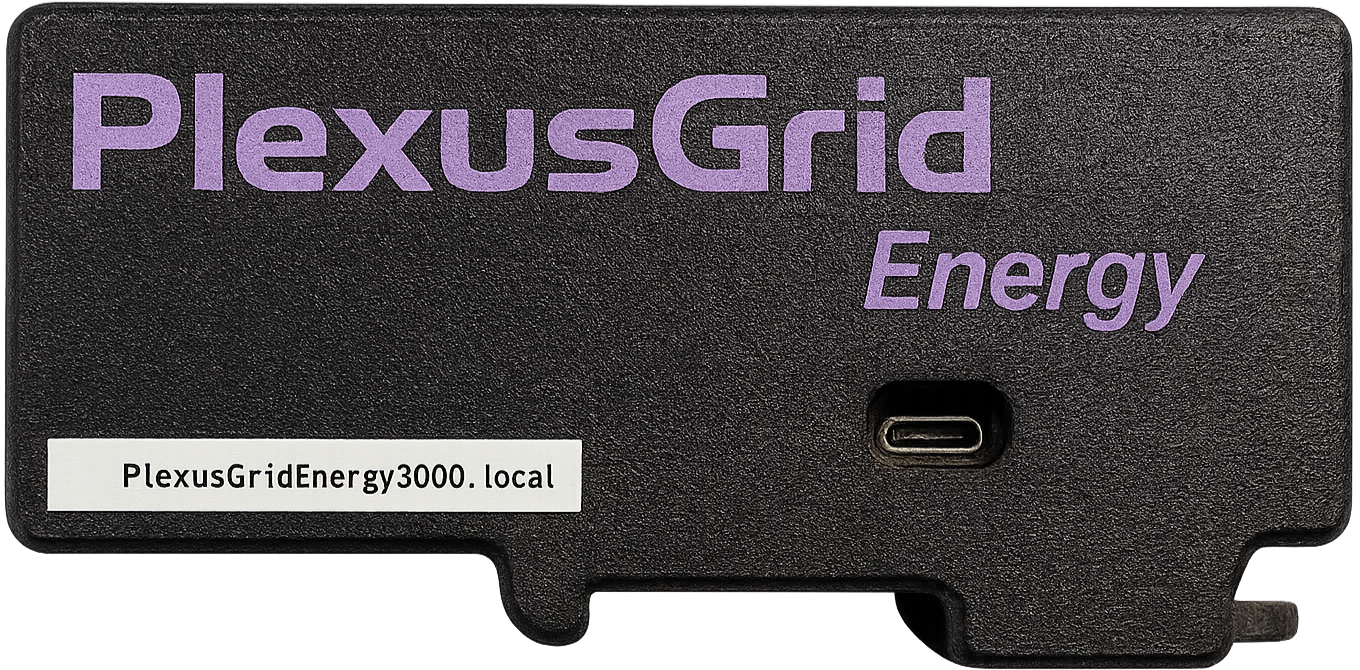
¶ Prerequisites
In order to set up your Edge Device you will need:
- The Edge Device
- An Ethernet cable
- A Micro USB cable to connect to a power supply (if not using POE[1])
¶ Step 1: Connect to Inverter (via Modbus)
-
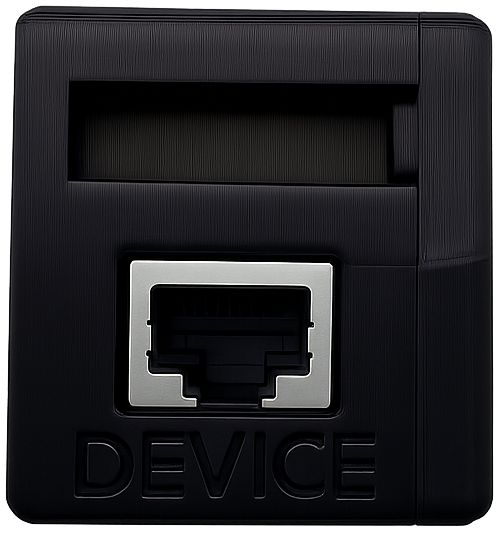
Insert an Ethernet cable into the port on one end of the Edge Device marked with “DEVICE”.
-
Insert the other end of the Ethernet cable into the inverter’s Modbus input.
¶ Step 2: Connect to Network
On the other end of the Edge Device, there is another Ethernet port labeled POE/ETH.
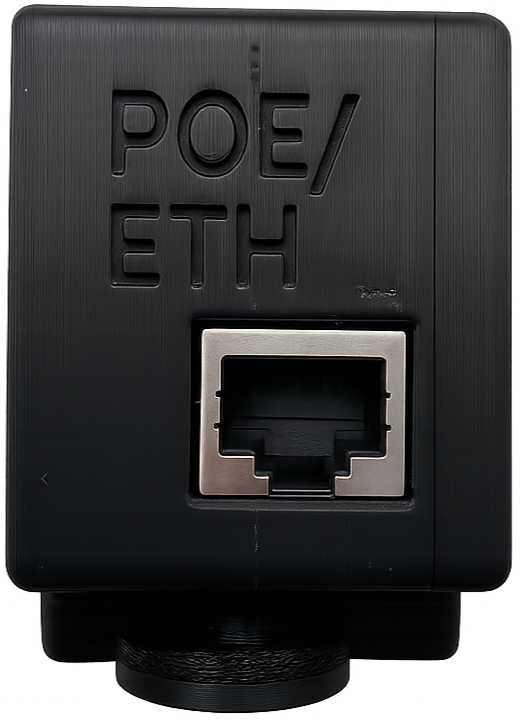
Here you can connect:
-
Standard Ethernet: Internet connection only.
-
POE (Power over Ethernet): Provides both internet connection and power through the same cable.
¶ Step 3: Power Supply
If you use POE (Power over Ethernet), the Edge Device receives power directly through the Ethernet cable, and you can proceed to the next step.
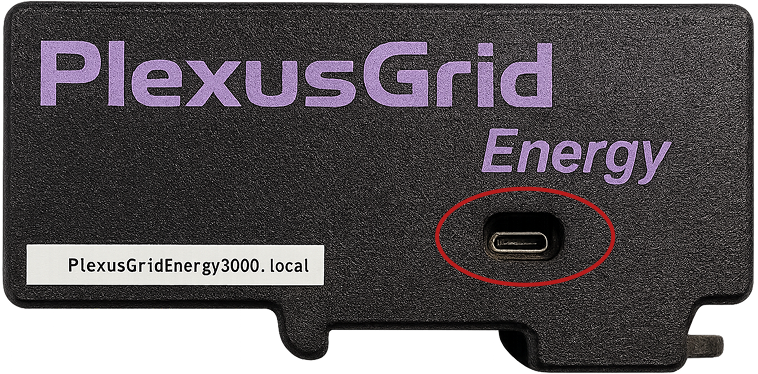
Otherwise, you can supply power via the Micro-USB port on the front of the Edge Device.
¶ Next Step
If you already have an account:
If you already have a dataspace:
Power over Ethernet ↩︎